
Third sign error this week when rearranging equations
SaveUseful mistakes
SeeQuestions · tasks · focus
Revisit withPractice & Tutor
ChooseThe next focus
See it in a study session
A repeated mistake, turned into a clear next move.
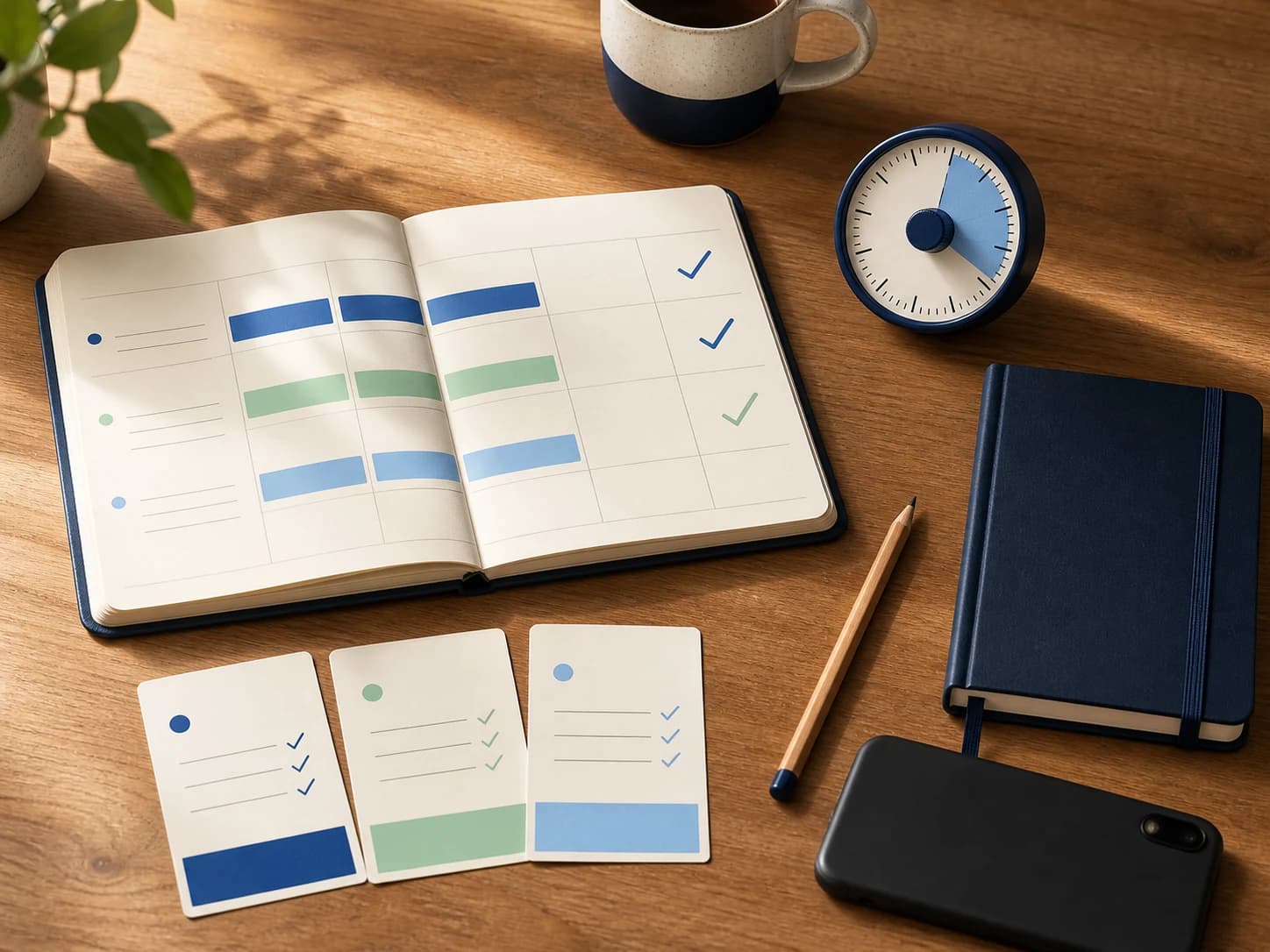
Lirno starts from the work the student already has and makes the next useful action visible. The goal is not more output. It is a smaller decision, a meaningful attempt, and something worth remembering.
See the complete learning workflow →Live study momentReady
Save the earliest broken step, attach a correction rule, and schedule one similar problem.
How it works
From the real question to a reusable method.
Notice what broke
Save the mistake, confusing step, or weak topic instead of letting it disappear after the assignment.
Revisit the idea
Ask for a clearer explanation, practice a similar problem, or review the related study set.
Choose the next focus
Use subject patterns and progress views to decide where the next study block will matter most.
A Mistake Book you will actually reopen
A wrong answer is useful only if you can name what went wrong. The Mistake Book keeps important misses visible so you can return with Tutor, a similar problem, or a short quiz.
Save mistakes that reveal a pattern: the same sign error, a definition you keep mixing up, or a writing structure that repeatedly loses the main point.
- Save the topic and the broken step
- Reconnect mistakes to tutoring and practice
- Review before quizzes and exams
- Keep one error from becoming a repeated habit
See patterns across subjects
The Knowledge Map and progress views help turn isolated sessions into a clearer picture of what you have studied and what still needs attention.
Use those patterns as a prompt for the next action—not as a grade. A quiet week, a difficult unit, or missing data can change what the progress view shows.
Progress should lead to a decision
The useful question is not whether every chart moved up. It is what to do next: repeat a weak card set, start a focus session, reopen a mission, or ask for another explanation.
Rewards and streaks can make consistency visible, but rest, teacher feedback, and realistic planning still matter more than maintaining a perfect number.
Set the right expectation
Lirno is a learning companion. AI explanations can be wrong or use a different method from your class, so verify important steps, follow school rules, and keep the thinking yours.
Continue through Lirno
Next: Lirno Tutor
Lirno Tutor adapts to the moment with Hint, Explain, Check, and Quick modes, plus short understanding checks and practice you can create from the same topic.
Good to know
Questions, answered
What should I save in the Mistake Book?
Save errors that reveal a reusable lesson: a misunderstood concept, a broken setup, or a pattern you are likely to repeat.
Is the Knowledge Map a grade?
No. It is a study view based on your activity and saved learning context, not an official assessment of school performance.
Can I practice directly from a mistake?
Use the saved topic to ask Tutor for a clearer explanation, create a similar problem, or return to related flashcards and quizzes.
Do streaks measure real understanding?
No. Streaks show consistency, not mastery. Use practice and teach-back checks to judge whether you can reuse the method.